800-844-5616

800-844-5616

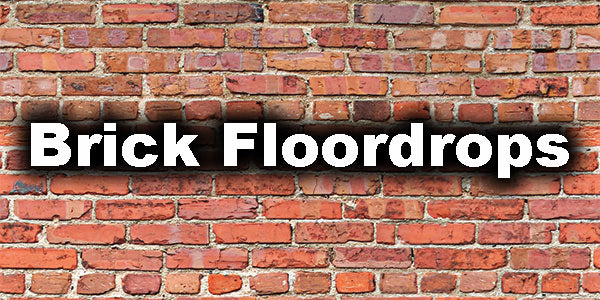
Real brick-look floor drops made for photography.

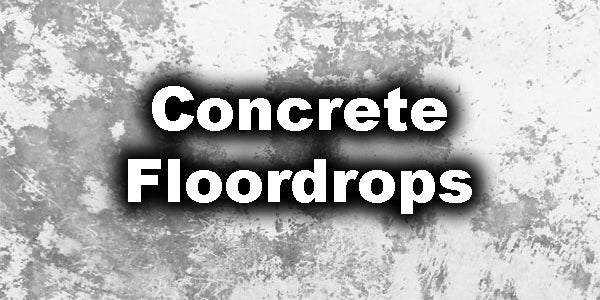
Concrete floor drops with smooth, non-reflective finish.

Stone floor drops with natural texture detail.

Matte tile prints that photograph true without glare.

Wood floor drops with natural grain and tone.

Questions? Call Us 1-800-844-5616

Current Sales

Clearance Sale

Questions? Call Us 1-800-844-5616

Questions? Call Us 1-800-844-5616

Questions? Call Us 1-800-844-5616

Custom Studio Edge Backdrop Panel

SKU: SE-CSTM-CPM

How to Order Your Custom Backdrop Panel

Choose the StudioEdge frame size that matches your custom backdrop panel

Step 1: Choose Your Panel Size

Select the panel size that matches the StudioEdge frame you already own or are ordering. Frame width and panel width must match.

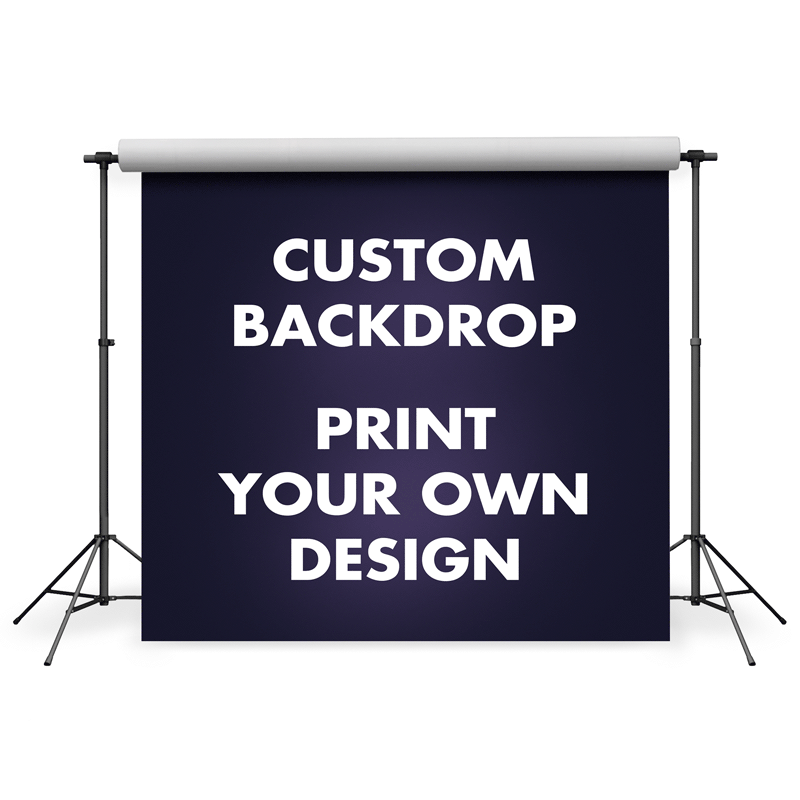
Custom StudioEdge backdrop panel shown on the front and back of the frame

Step 2: Download the Correct Template

Download the template that matches your chosen size and build your artwork on it at full size and in the correct format.

Step 3: Upload Your Artwork

Use the upload button on this product page to send us your finished artwork file. We review every file before printing.

This is a fully custom StudioEdge backdrop panel printed from artwork that you supply. The frame is not included and is sold separately.

Your panel width must match your StudioEdge frame width. If you are printing both sides of the frame, add a second custom panel in the same size. The two panels do not have to use the same artwork, but both must fit the frame width.

Proof Approval Required Before Production

After you place your order and upload your artwork, our team prepares a digital proof and sends it to you for review.

Production does not begin until you approve the proof. Nothing is printed until you have confirmed the layout, sizing, and colors look correct.

Please watch for your proof email and respond promptly so we can keep your order moving.

Download Your Artwork Template

Setting up your custom design takes four quick steps:

  1. Choose the panel size you are ordering — 3'W, 4'W, or 5'W.
  2. Open the matching template below. It opens in a new tab, where you can save or print it.
  3. Build your artwork on that template at full size and in the format shown.
  4. Upload your finished artwork using the upload button on this product page.

Tap the template that matches your panel size:

Templates open as PDFs in a new tab. If a file opens in your browser instead of downloading, use your browser's save or download option to keep a copy.
How It Works

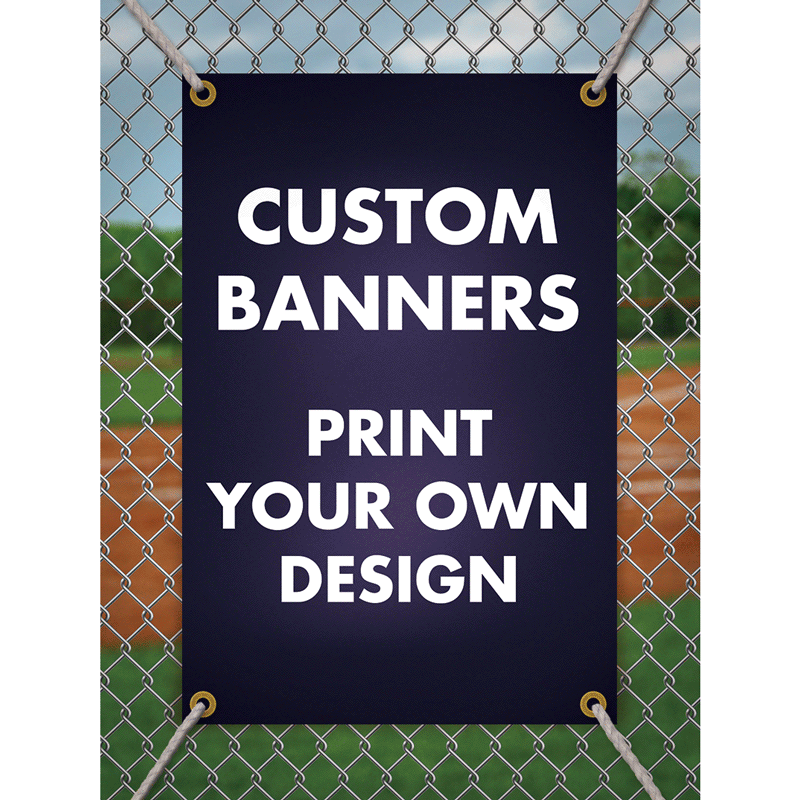
Print Your Own Design on a Denny StudioEdge Backdrop Panel

Custom Studio Edge Backdrop Panel lets you bring your own artwork to the Denny StudioEdge Double-Sided Modular Backdrop System. Download the correct-size template, create your design at full size in the required format, and upload the finished file using the upload button on this page. We prepare a proof for your approval, and production starts only after you sign off.

Key Features

  • Fully custom: printed from artwork you upload
  • Size-matched templates provided for accurate, full-size artwork setup
  • Proof sent for your approval before anything is printed
  • Made specifically for the Denny StudioEdge frame channel
  • Offered in 3'W, 4'W, and 5'W widths, each 7.5'H, to match StudioEdge frame widths

Common Uses

  • Branded event and photo-booth backdrops
  • Studio branding and signature portrait sets
  • Trade show and pop-up displays
  • Seasonal or campaign-specific custom scenes
Product Details & Compatibility

StudioEdge Custom Panel Details and Frame Matching

Custom Studio Edge Backdrop Panel is made for the Denny StudioEdge Double-Sided Modular Backdrop System. It is offered in 3'W × 7.5'H, 4'W × 7.5'H, and 5'W × 7.5'H sizes to match StudioEdge frame widths.

Artwork and Template Requirements

  • Download and use the template that matches your selected panel size
  • Create your artwork at full size and in the correct file format shown on the template
  • Upload your finished artwork using the upload button on this product page
  • A proof is provided for approval; production begins only after you approve it

Compatibility Notes

  • Designed specifically for the Denny StudioEdge Double-Sided Modular Backdrop System
  • The frame is not included and is sold separately
  • Frame width and panel width must match for correct fit
  • If using both sides of the frame, add a second panel in the same size; the artwork can differ but the width must match
  • Not intended for standard backdrop stands, standard cloth finishing, or non-StudioEdge frame systems

Search our collections

How to Order Your Custom Backdrop Panel

Choose the StudioEdge frame size that matches your custom backdrop panel

Step 1: Choose Your Panel Size

Select the panel size that matches the StudioEdge frame you already own or are ordering. Frame width and panel width must match.

Custom StudioEdge backdrop panel shown on the front and back of the frame

Step 2: Download the Correct Template

Download the template that matches your chosen size and build your artwork on it at full size and in the correct format.

Step 3: Upload Your Artwork

Use the upload button on this product page to send us your finished artwork file. We review every file before printing.

This is a fully custom StudioEdge backdrop panel printed from artwork that you supply. The frame is not included and is sold separately.

Your panel width must match your StudioEdge frame width. If you are printing both sides of the frame, add a second custom panel in the same size. The two panels do not have to use the same artwork, but both must fit the frame width.

Proof Approval Required Before Production

After you place your order and upload your artwork, our team prepares a digital proof and sends it to you for review.

Production does not begin until you approve the proof. Nothing is printed until you have confirmed the layout, sizing, and colors look correct.

Please watch for your proof email and respond promptly so we can keep your order moving.

Download Your Artwork Template

Setting up your custom design takes four quick steps:

  1. Choose the panel size you are ordering — 3'W, 4'W, or 5'W.
  2. Open the matching template below. It opens in a new tab, where you can save or print it.
  3. Build your artwork on that template at full size and in the format shown.
  4. Upload your finished artwork using the upload button on this product page.

Tap the template that matches your panel size:

Templates open as PDFs in a new tab. If a file opens in your browser instead of downloading, use your browser's save or download option to keep a copy.
How It Works

Print Your Own Design on a Denny StudioEdge Backdrop Panel

Custom Studio Edge Backdrop Panel lets you bring your own artwork to the Denny StudioEdge Double-Sided Modular Backdrop System. Download the correct-size template, create your design at full size in the required format, and upload the finished file using the upload button on this page. We prepare a proof for your approval, and production starts only after you sign off.

Key Features

  • Fully custom: printed from artwork you upload
  • Size-matched templates provided for accurate, full-size artwork setup
  • Proof sent for your approval before anything is printed
  • Made specifically for the Denny StudioEdge frame channel
  • Offered in 3'W, 4'W, and 5'W widths, each 7.5'H, to match StudioEdge frame widths

Common Uses

  • Branded event and photo-booth backdrops
  • Studio branding and signature portrait sets
  • Trade show and pop-up displays
  • Seasonal or campaign-specific custom scenes
Product Details & Compatibility

StudioEdge Custom Panel Details and Frame Matching

Custom Studio Edge Backdrop Panel is made for the Denny StudioEdge Double-Sided Modular Backdrop System. It is offered in 3'W × 7.5'H, 4'W × 7.5'H, and 5'W × 7.5'H sizes to match StudioEdge frame widths.

Artwork and Template Requirements

  • Download and use the template that matches your selected panel size
  • Create your artwork at full size and in the correct file format shown on the template
  • Upload your finished artwork using the upload button on this product page
  • A proof is provided for approval; production begins only after you approve it

Compatibility Notes

  • Designed specifically for the Denny StudioEdge Double-Sided Modular Backdrop System
  • The frame is not included and is sold separately
  • Frame width and panel width must match for correct fit
  • If using both sides of the frame, add a second panel in the same size; the artwork can differ but the width must match
  • Not intended for standard backdrop stands, standard cloth finishing, or non-StudioEdge frame systems
Shipping & Returns

Small Package Shipments:

We ship using the most trusted variety of carriers. Merchandise exceeding ground carrier standard weights & size restrictions must be shipped via motor freight or air freight. Any shipping charges displayed online and in our printed catalogs are for small package shipments within the contiguous United States.

Freight Shipments:

Shipments are priced individually based on location and weight. The minimum truck shipment is approximately $200.00 for a shipment weighing 100 lbs or less. All shipments over 100 lbs may incur additional charges. Trust us to ship the most economical way.

* ALL shipping rates are subject to change without notice and can fluctuate daily based on weight and destination.


Returns:

If you are not satisfied with your purchase, we do offer a 30 day return policy. Please contact us within 30 days of receipt of your order. >Customerservice@dennymfg.com or 1-800-844-5616.

To be eligible for a return, your item must be unused and in the same condition that you received the product as well as the original box and packaging. A 20% restocking fee will apply to all returns or exchanges.

We cannot accept any type of return for digital backdrop files, sale or clearance priced items, custom products, modified products or any holiday themed backdrop or prop.

Please click here to see our full Return and Refund Policy

Reviews