800-844-5616

800-844-5616

Real brick-look floor drops made for photography.

Concrete floor drops with smooth, non-reflective finish.

Stone floor drops with natural texture detail.

Matte tile prints that photograph true without glare.

Wood floor drops with natural grain and tone.

Questions? Call Us 1-800-844-5616

Image caption appears here

Image caption appears here

Questions? Call Us 1-800-844-5616

Questions? Call Us 1-800-844-5616

Wall Mount Expand System Instructions (WMES-4)

Instructions for our Manual Expand Roll Up Backdrop Lift System (WMES-4).


Installation and operation

  • This Image is the parts Diagram of Manual Background support elevator.
  • Choose the metal tube longer than the backdrop, paper or canvas, use stainless steel or aluminum tube with 2 inches diameter, for the sake of reducing the weight, please select the Tube as thin as possible.
  • Insert the Expansion Stick into the both ends of Metal Tube, rotate the Wheels and make them tight.
  • Stick the Backdrop Paper or Canvas on the Metal Tube, rotate it and make it to be tube shaped, while using the Backdrop paper, better attach a thin metal tube with proper weight at the end of the paper to facilitate the elevation.
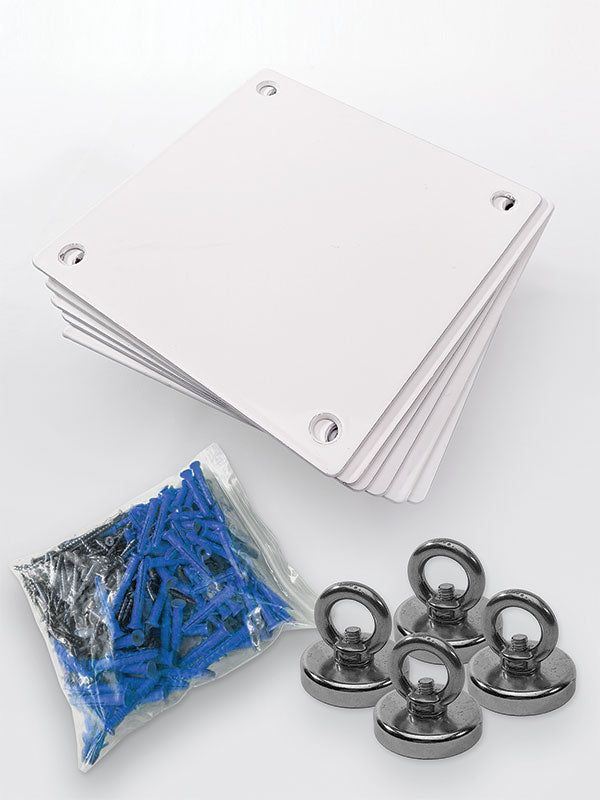
  • Fix the Hooks on the wall or ceiling with Expansion Screws. Align the Hooks in accordance with length of Metal tube.
  • Put the prepared Backdrop paper on the Hook. The white Frames outside the Gears should be in horizontal position, no matter the Hooks was fixed on wall or ceiling.
  • Make the Gears fit into the Chains, which was hanged with a Weight underneath. The connection method of Chains is shown as follows:
  • Adjust the screws on the Tightening mount to obtain the proper resistance while elevating.
  • Pull the Chains to elevate the Background.

NOTICE: Pull the Chains in vertical direction, never in other directions or strangle the Chains. Otherwise the chains would be discounted


Search our collections